
Text to GIF with AI: create and download a looping animation
On this page
Describe a subject, one visible action and the return to its starting pose. In PictoGIF, choose the available animation settings, sign in and generate. Download the original .gif from your private library. The result is an animated file, not an MP4 preview or a static cover. Review the displayed cost before submitting.
Create your first text-to-GIF animation
- Open GIF generator and describe the subject, its action, and the setting. Reference images are optional.
- Choose an enabled model, aspect ratio, frame count, and frame delay. Available choices and the credit cost come from the current model configuration.
- Generate once and wait for the task card to finish. If a generation fails, its cost is returned.
- Press Play to check the movement. Use prompt restores the prompt, model, animation settings and ordered reference images. Download within 7 days; expired creations and references are automatically deleted.
Explore eight text-generated GIF examples
Each example shows the animation settings and prompt used to create it.
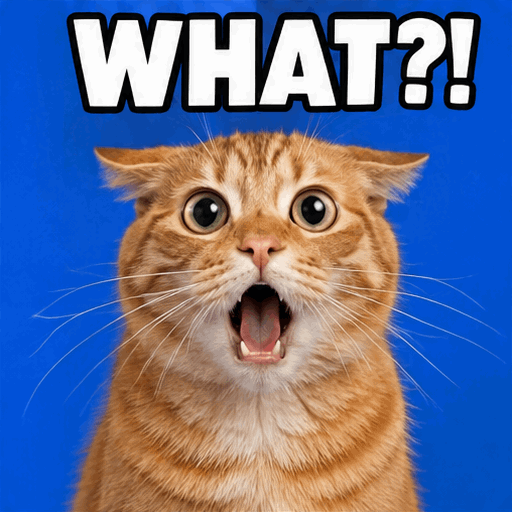
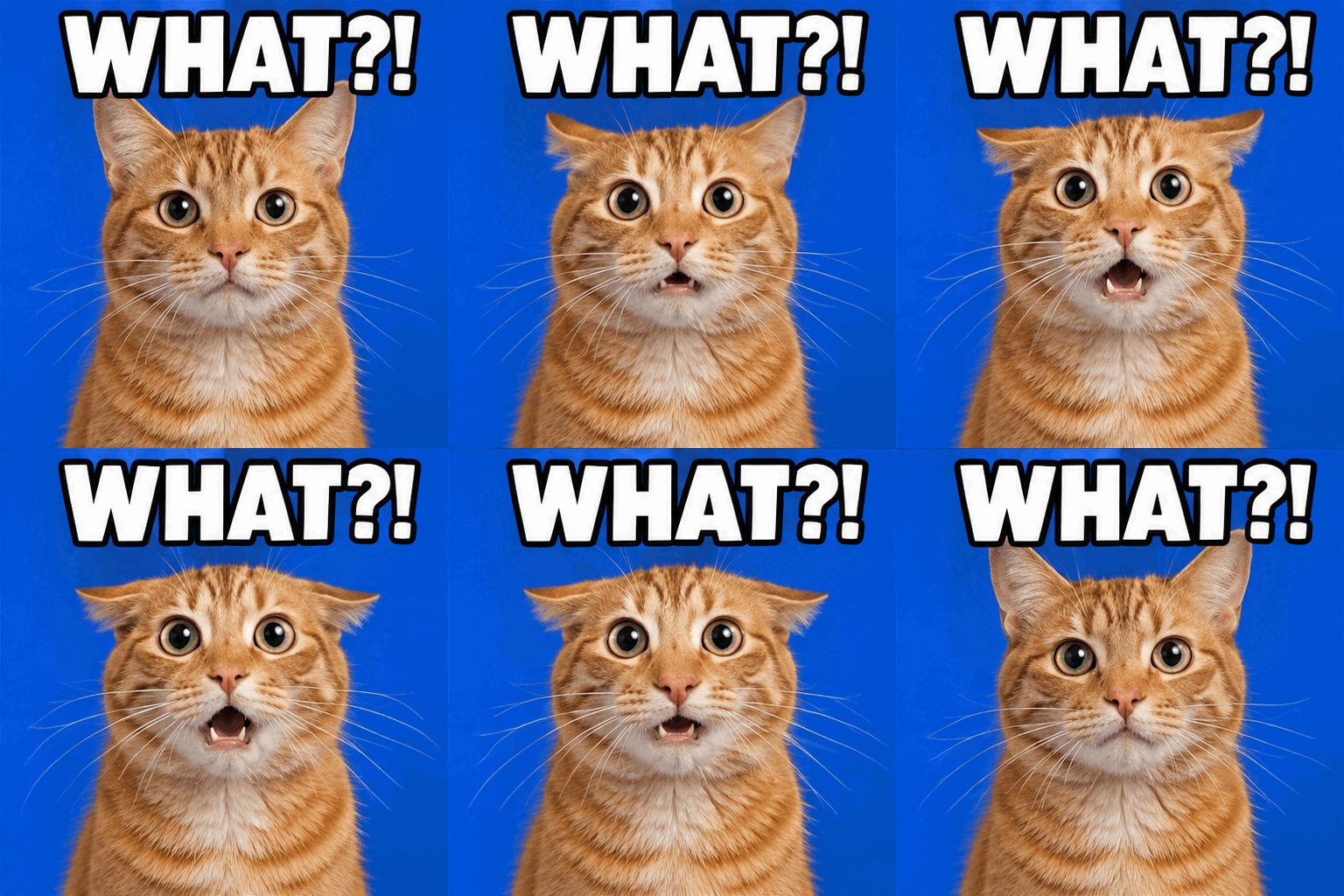
Wait... WHAT?!
- Auto ratio · 9 frames · 200 ms/frame
View prompt
Create a photorealistic orange tabby reaction GIF on a cobalt blue studio background. The cat widens its pupils, drops its mouth open and flicks its ears back, then returns to its surprised starting expression. Keep the cat's identity and camera framing stable. Fix bold white text with a black outline reading WHAT?! at the top in every frame. Square composition. Output an animated GIF with 9 frames at 200ms per frame, looping continuously.
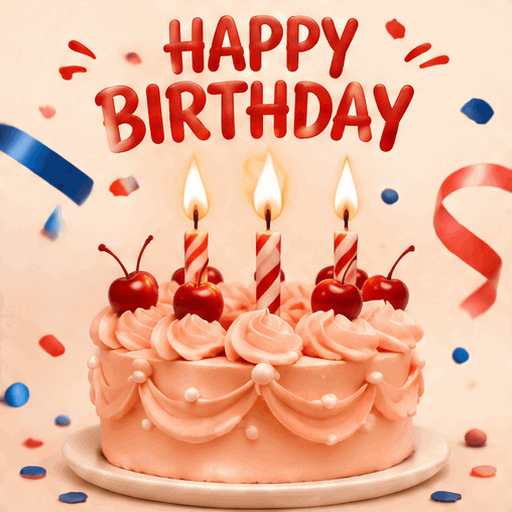
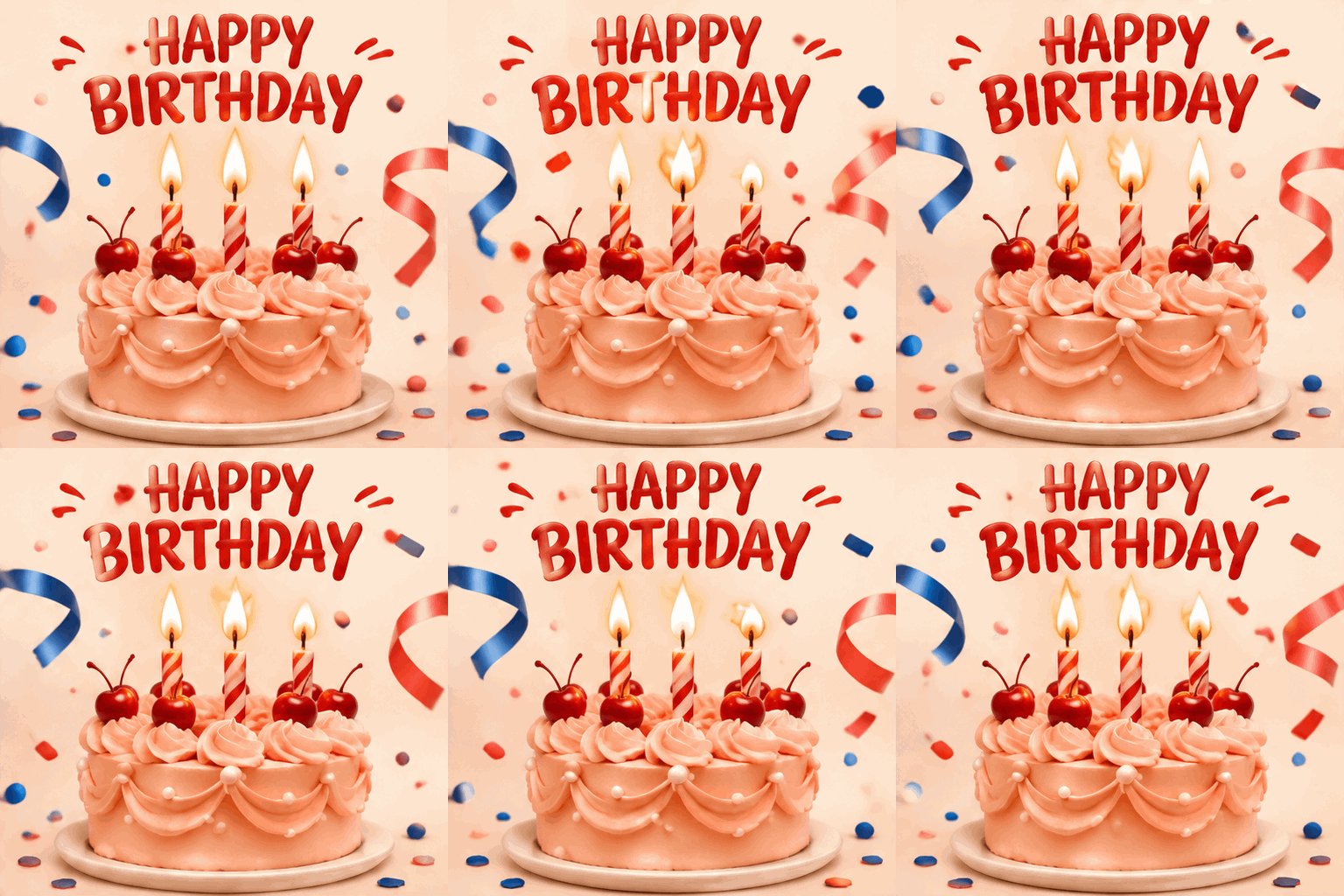
Make a birthday wish
- Auto ratio · 9 frames · 200 ms/frame
View prompt
Create a cheerful birthday greeting GIF with a peach-pink buttercream cake, red cherries and three lit candles on a warm cream background. Keep the red headline HAPPY BIRTHDAY perfectly fixed and legible. Let the flames dance, curled confetti drift and cobalt-blue and coral ribbons gently move. Keep the cake and camera still, with polished pastry-photography detail. Square composition. Output an animated GIF with 9 frames at 200ms per frame, looping continuously.
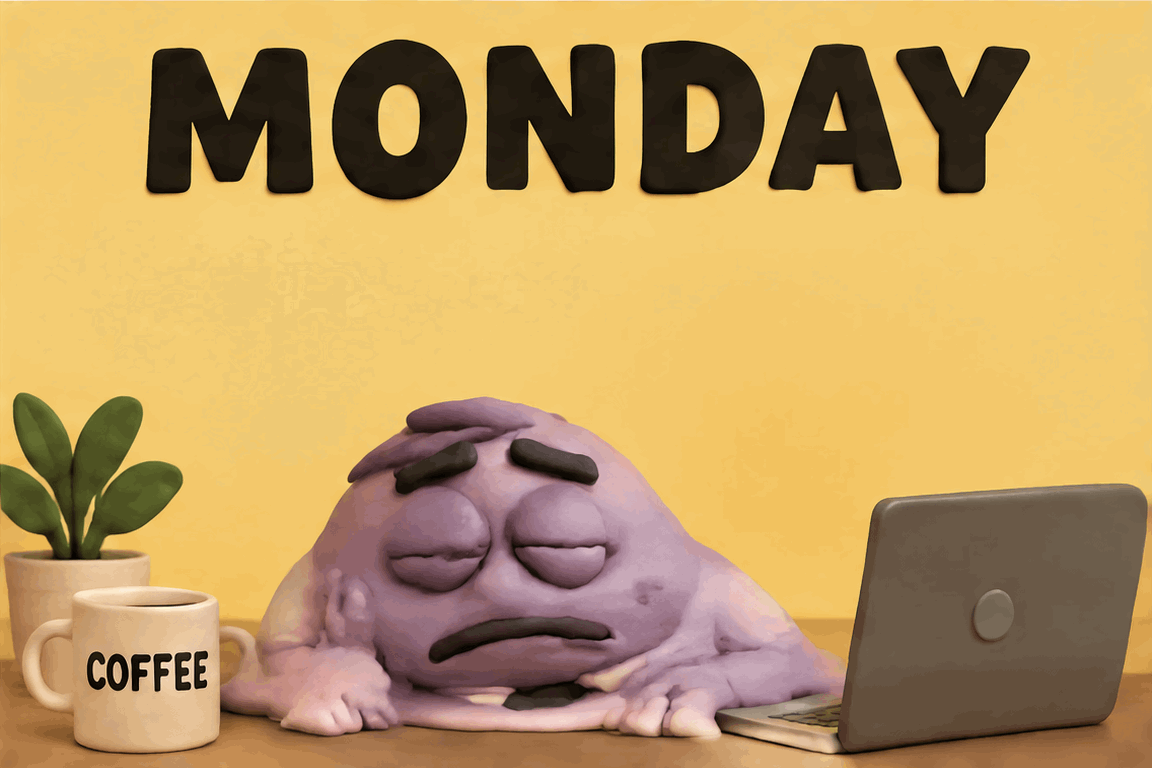
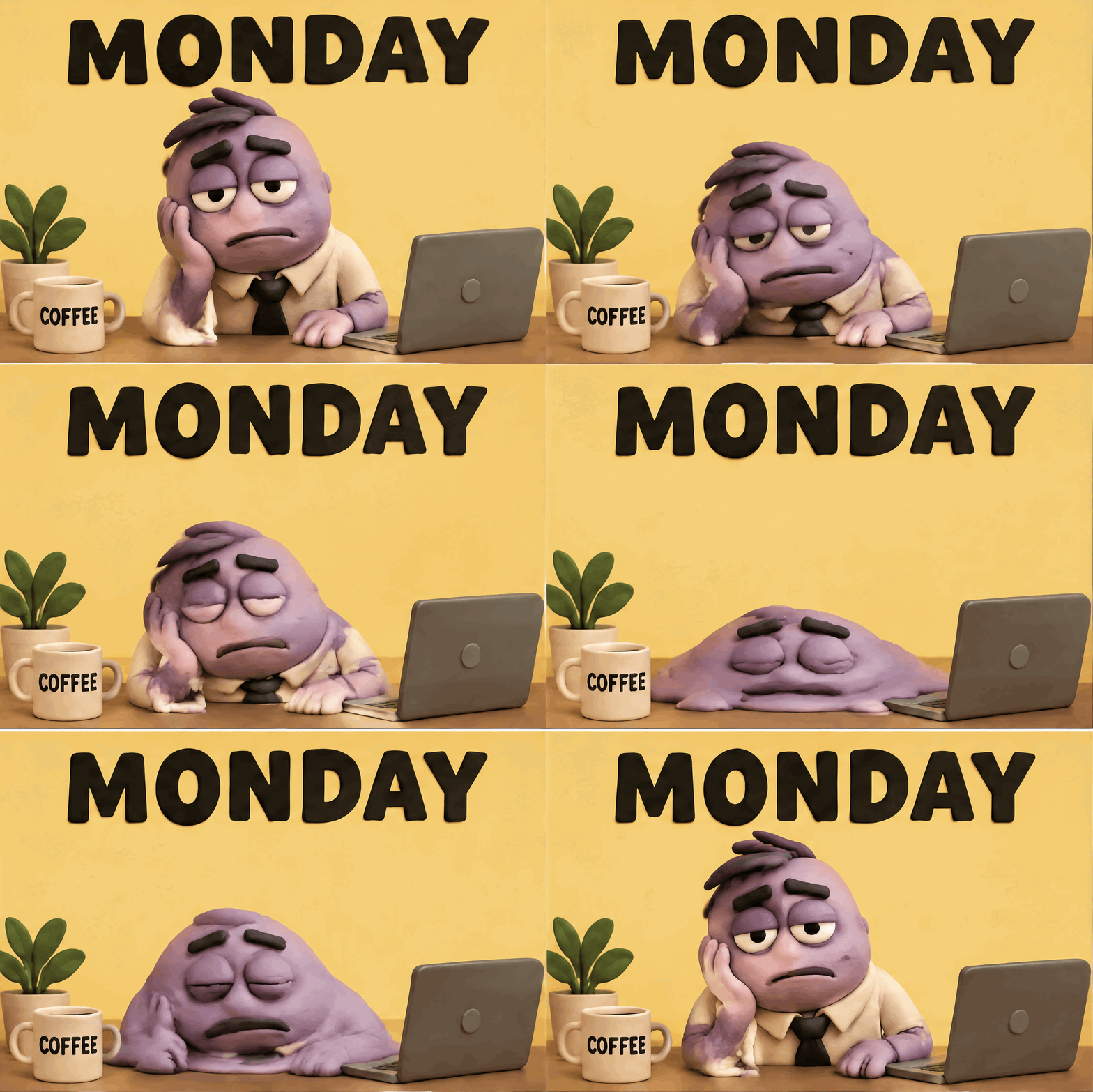
Me on Monday
- 3:2 ratio · 9 frames · 200 ms/frame
View prompt
Create a funny stop-motion clay meme. An exhausted lavender office worker slumps at a desk with a laptop and coffee against a butter-yellow background. Its shoulders sag and its soft clay body slowly melts into a puddle on the desk, then reforms into the same tired pose. Keep the bold black word MONDAY fixed at the top. Use genuine clay deformation, readable expressions and a fixed camera. Landscape 3:2 composition. Output an animated GIF with 9 frames at 200ms per frame, looping continuously.
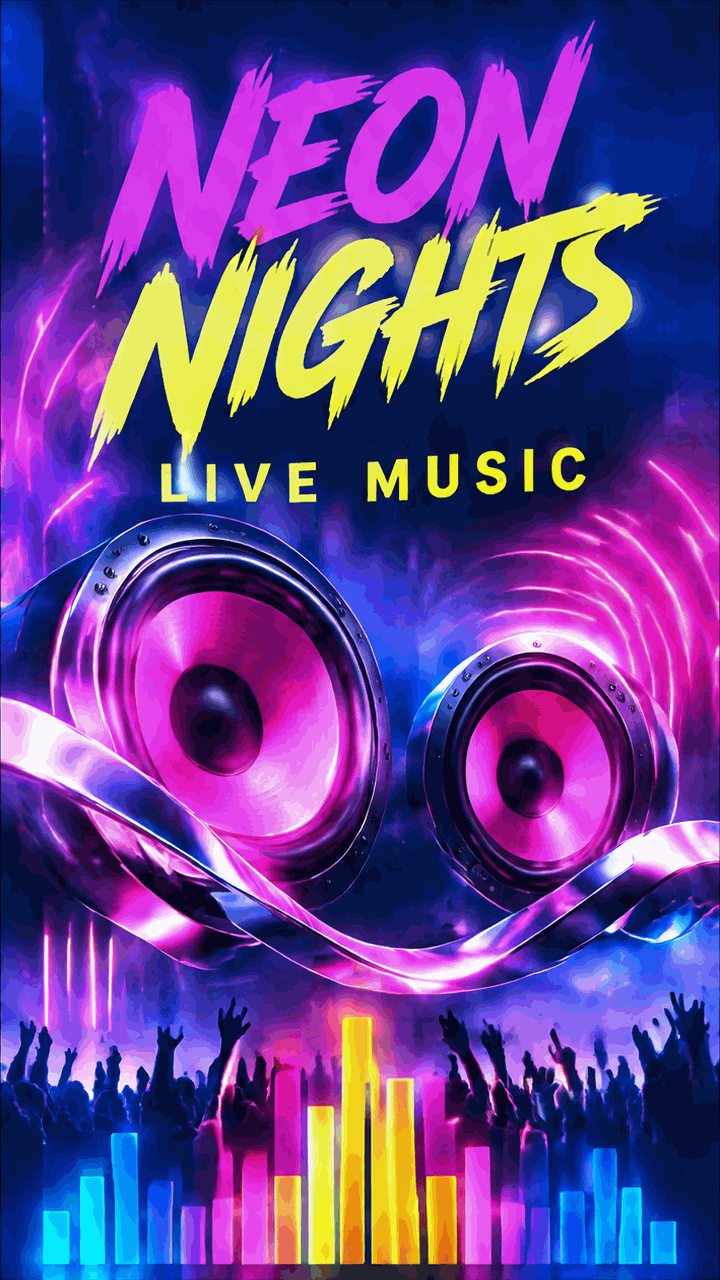
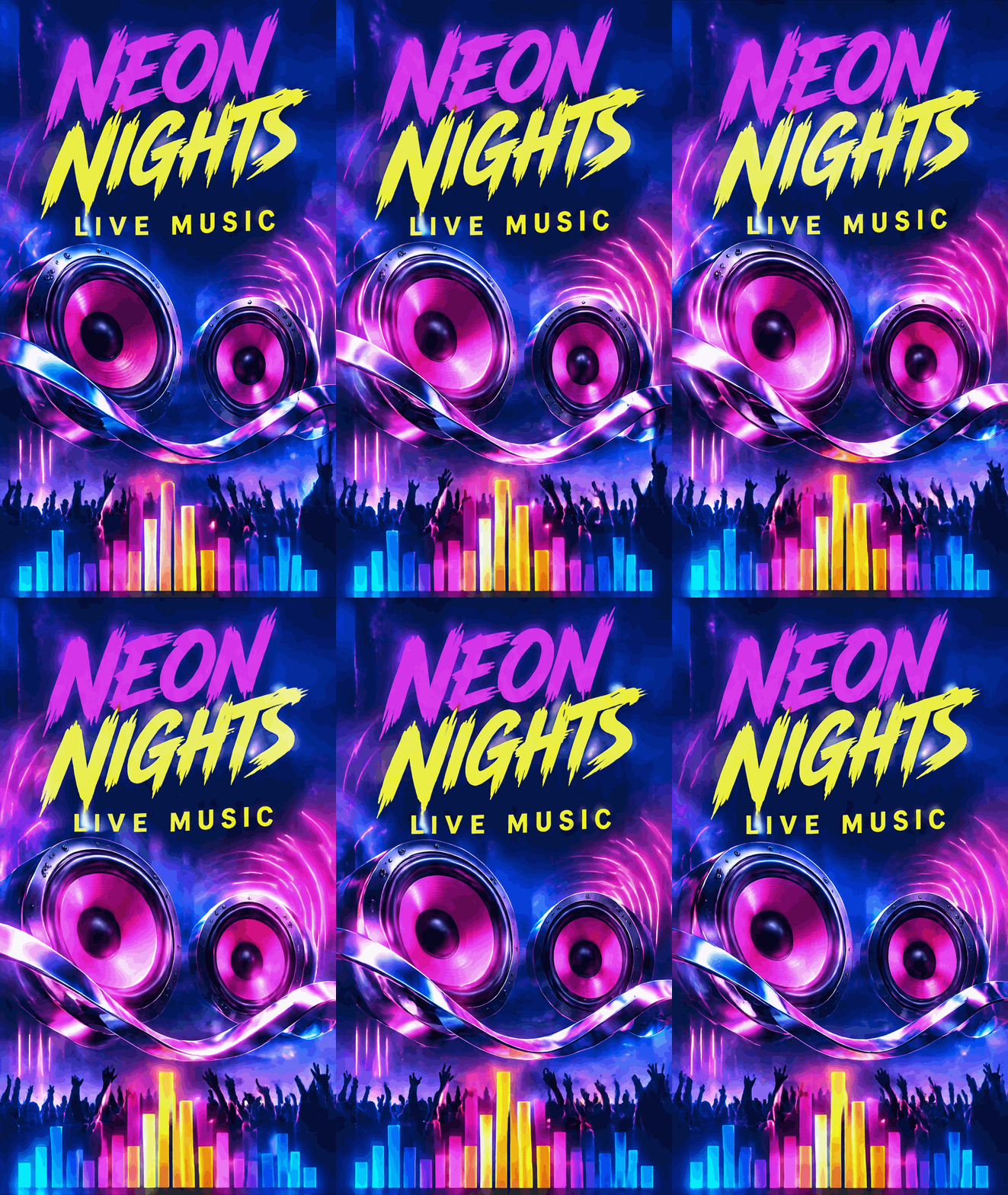
Neon nights festival
- 9:16 ratio · 9 frames · 200 ms/frame
View prompt
Create a vertical electronic music festival motion poster in cobalt blue, hot magenta and acidic yellow. Keep the large NEON NIGHTS headline and smaller LIVE MUSIC lettering fixed within a clean graphic layout. Make two sculptural speaker cones pulse as chrome ribbons bend around them and magenta light waves ripple outward. Preserve the entire poster composition and fixed camera. Portrait 9:16 composition. Output an animated GIF with 9 frames at 200ms per frame, looping continuously.
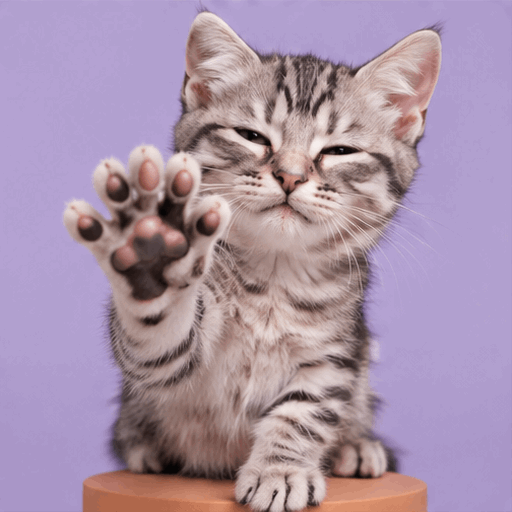
A tiny high five
- Auto ratio · 9 frames · 200 ms/frame
View prompt
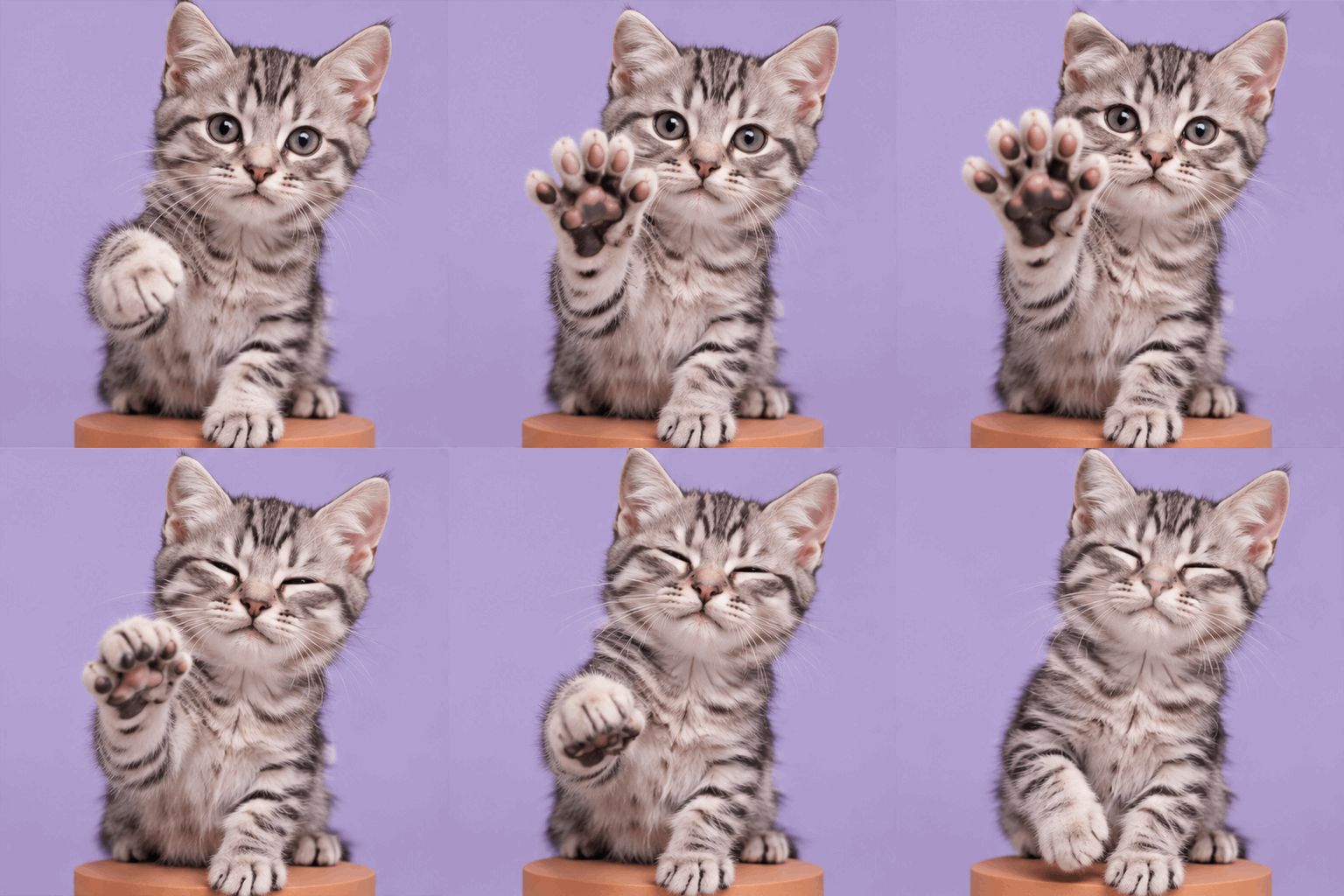
Create a photorealistic silver tabby kitten on a terracotta pedestal against a lavender studio background. The kitten raises a front paw toward the viewer, spreads its pink toe beans, gently closes its eyes and draws the paw back. Preserve stable cat anatomy, detailed fur and a playful expression. Keep its ears and paws inside the frame, use a fixed camera and include no text. Portrait 4:5 composition. Output an animated GIF with 9 frames at 200ms per frame, looping continuously.
Brain buffering...
- 16:9 ratio · 9 frames · 200 ms/frame
View prompt
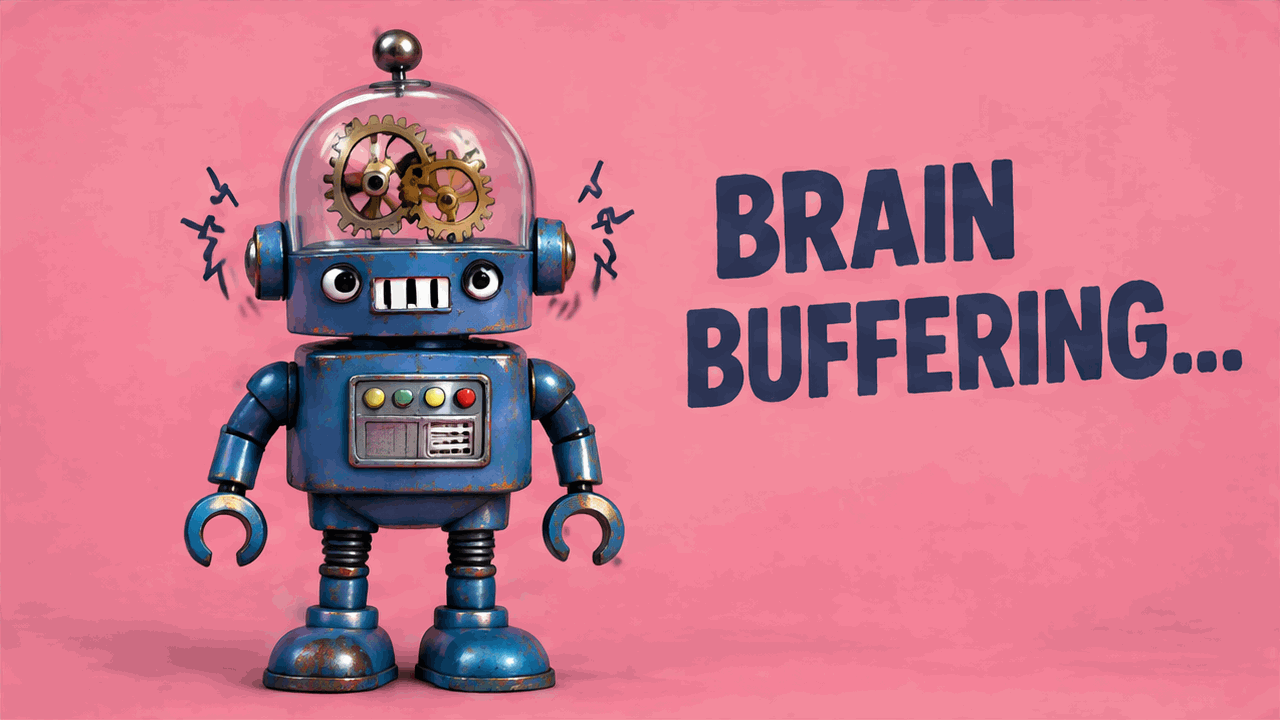
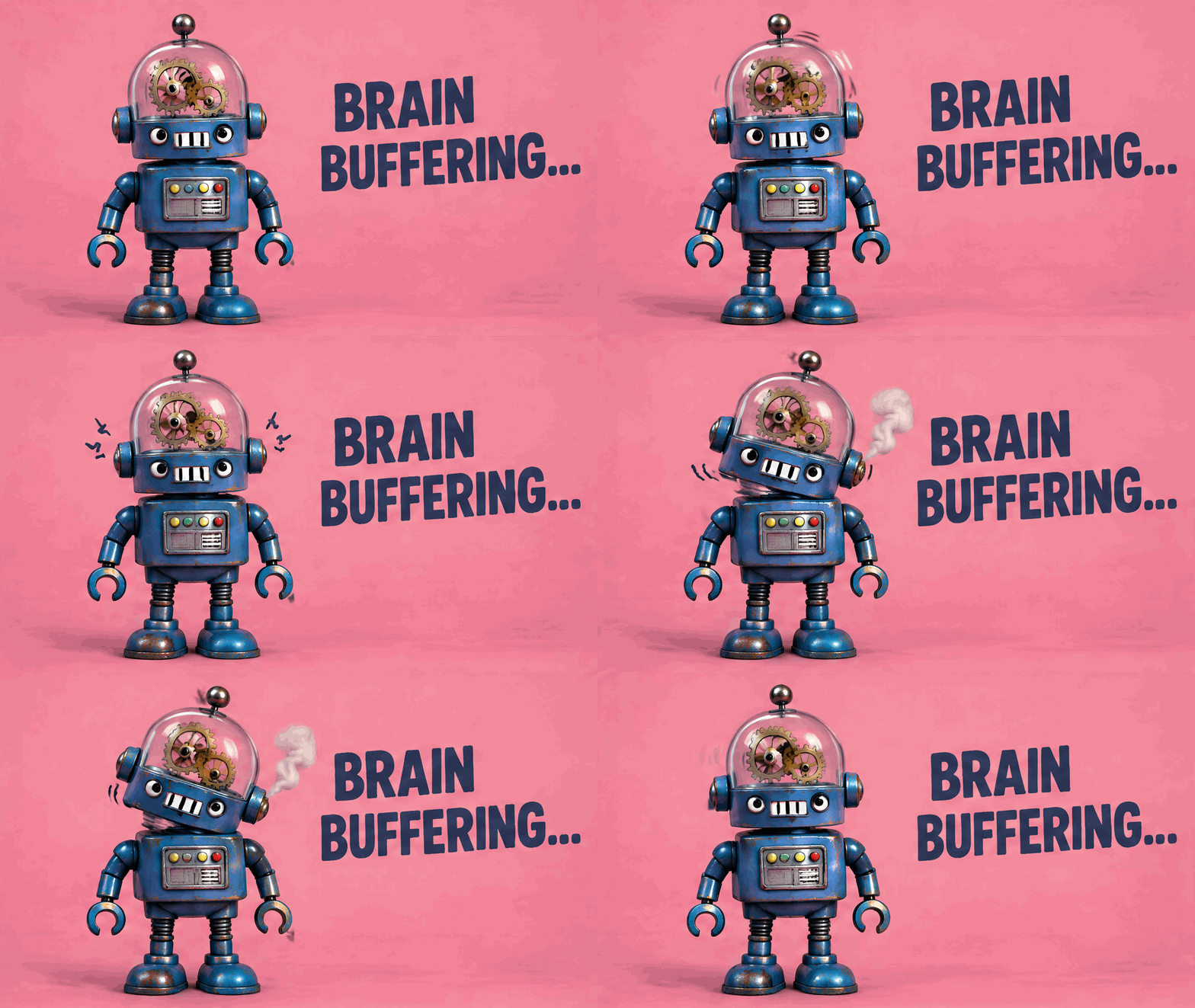
Create a deadpan reaction GIF with a cobalt-blue retro robot on a warm pink studio background with a subtle paper texture. Two tiny gears inside its transparent glass head turn, get stuck, shudder and turn again. A small curl of white steam leaves one ear and the head gives a confused tilt. Keep the complete robot and the dark-blue BRAIN BUFFERING... lettering visible in every frame, with stable typography and a fixed camera. The glass head is drawn against the same visible studio wall, not against an alpha channel. Every frame must have a completely opaque, continuous full-canvas pink background. No transparent pixels, chroma key, blank cutouts or alpha holes anywhere in the GIF. Landscape 16:9 composition. Output an animated GIF with 9 frames at 200ms per frame, looping continuously.
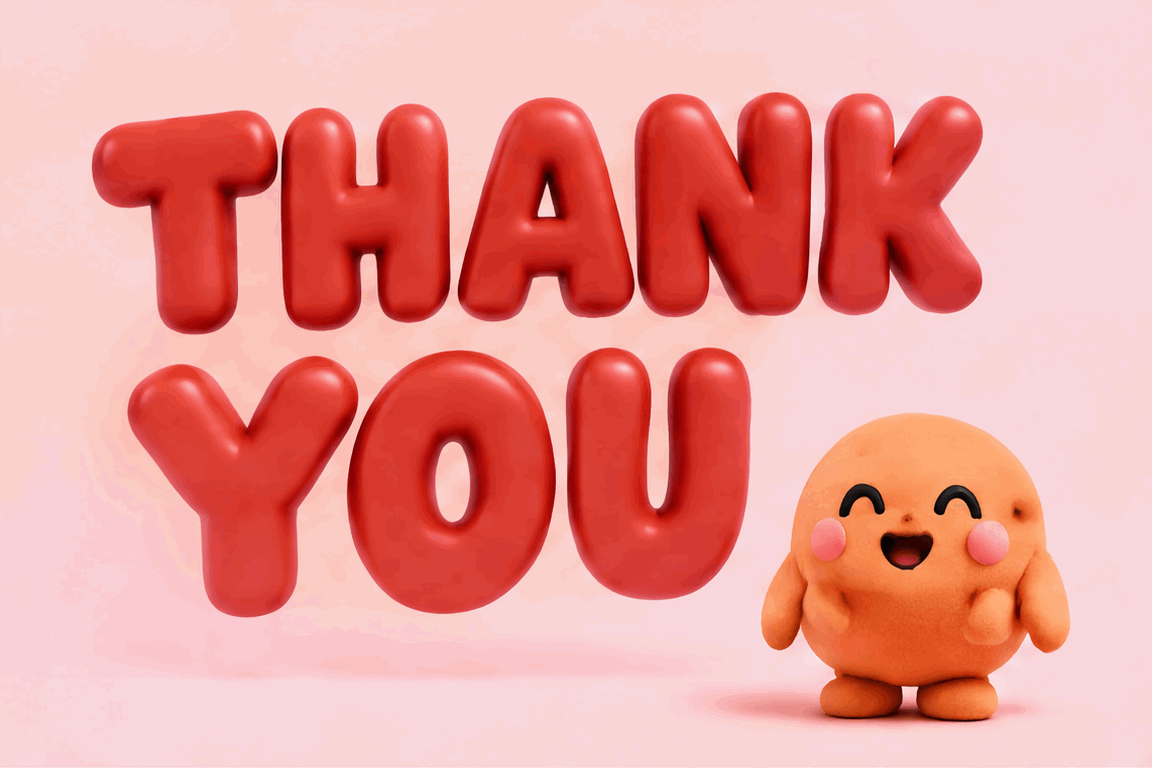
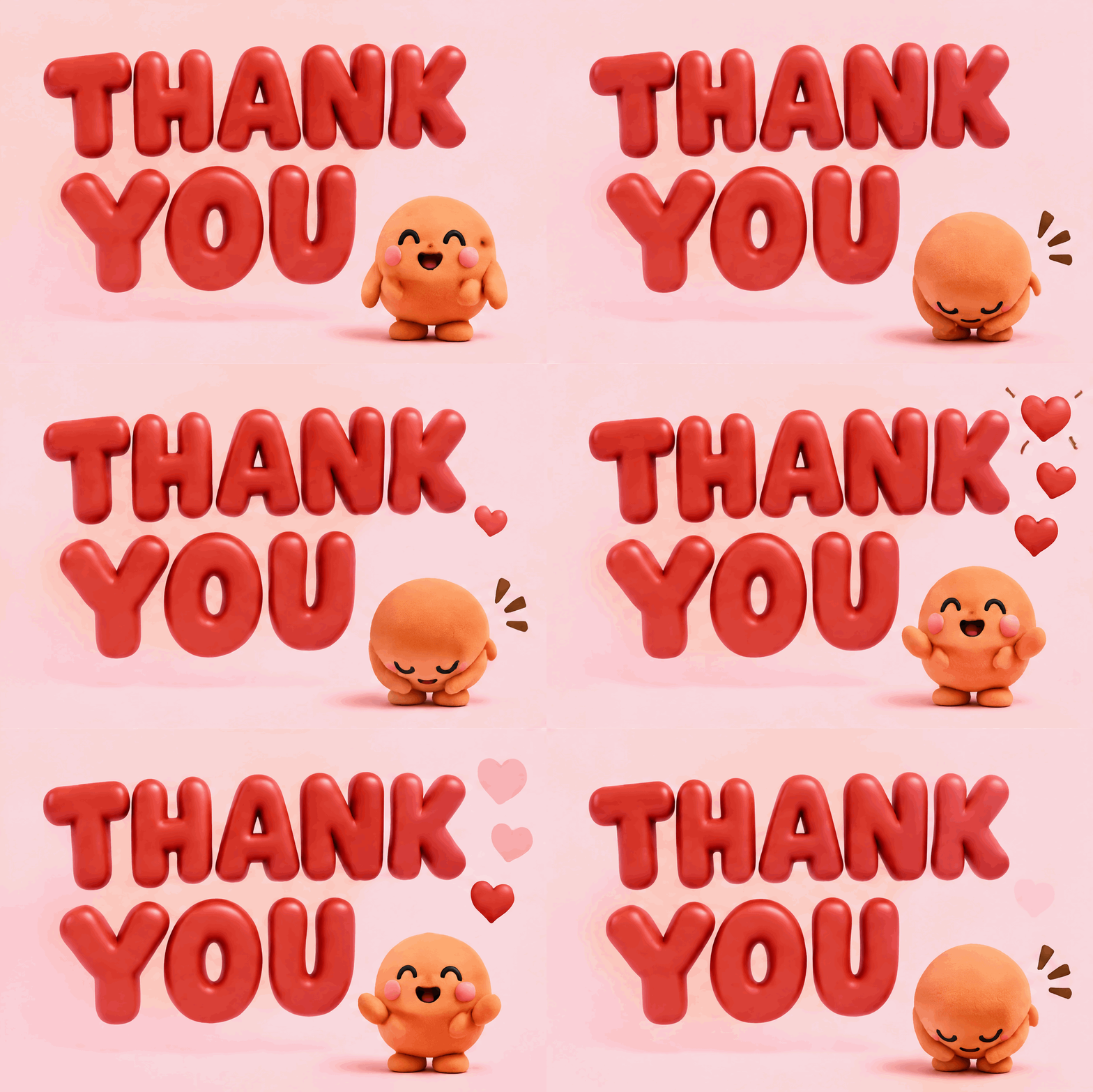
A big little thank you
- 3:2 ratio · 9 frames · 200 ms/frame
View prompt
Create a joyful thank-you GIF on a pale pink background. Large sculptural candy-red letters spell THANK YOU on two lines and stay fixed and readable. A tiny original orange round character bows deeply, raises its head and bows again as small red hearts pop up and dissolve around it. Use tactile soft materials, elegant shadows, genuine character motion and a fixed camera. Landscape 3:2 composition. Output an animated GIF with 9 frames at 200ms per frame, looping continuously.
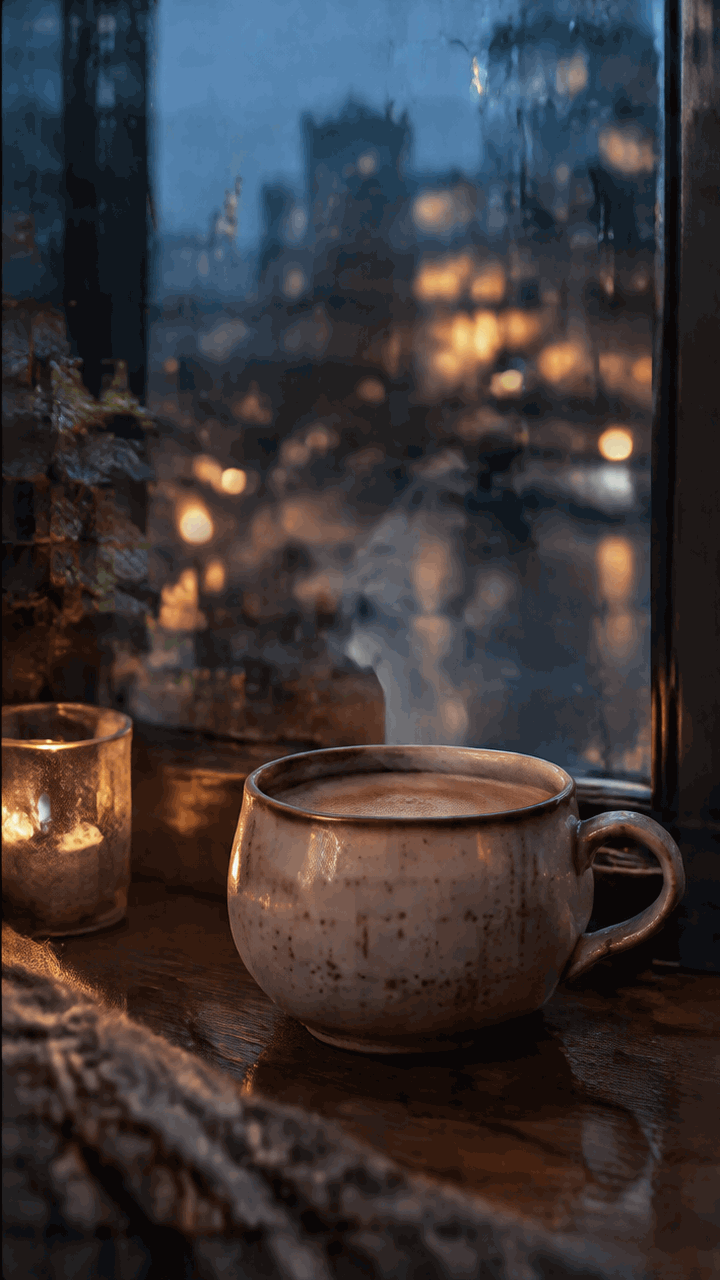
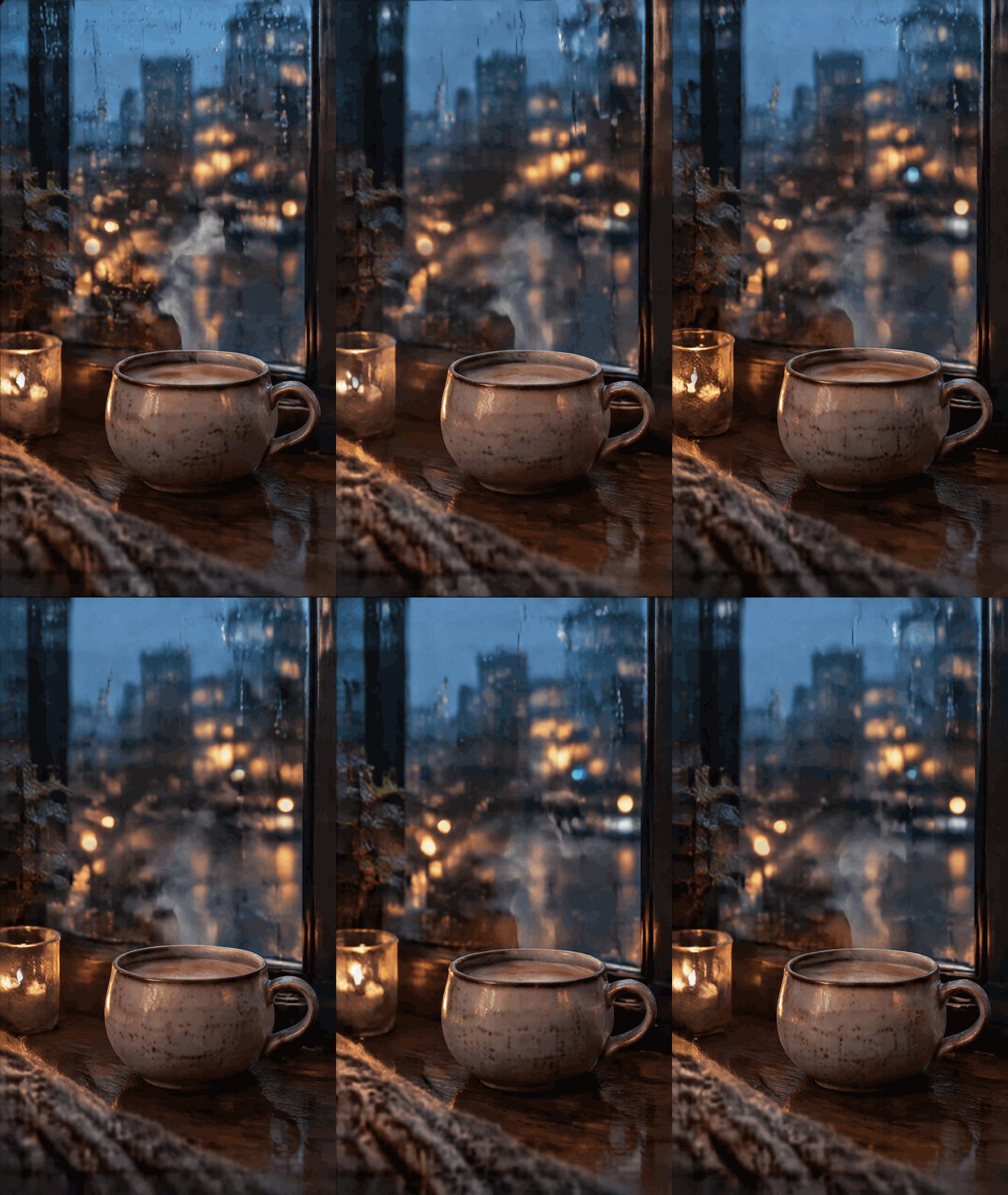
A quiet rainy evening
- 9:16 ratio · 9 frames · 200 ms/frame
View prompt
Create a cinematic rainy-evening cinemagraph. A handmade cream ceramic coffee cup rests on a dark walnut windowsill, with rain on the glass and blurred blue and amber city lights outside. Let delicate steam curl upward, raindrops merge and slide down, and distant lights subtly shimmer. Keep the cup, windowsill and camera still. Preserve warm photographic texture and include no text. Portrait 9:16 composition. Output an animated GIF with 9 frames at 200ms per frame, looping continuously.
Know the free and paid boundaries
Get 3 free generations per day.
Generating from a reference image requires credits.
Saved creations and references are deleted after 7 days. Download them in time.
Use a simple prompt structure
Start with subject + visible action + fixed elements + loop. Specify what must stay still, such as the camera and background. Begin with one action so the requested motion has a clear success condition.
Waving, blinking, opening petals, or a flowing waterfall is easier to evaluate than several unrelated scene changes. Change one instruction per attempt to see which change helps.
A tiny orange clay cat raises one paw, waves twice, and lowers it to the starting pose. The camera, tabletop, and background plants stay fixed. Soft daylight, square composition, seamless loop.
Use this promptReview the subject and the loop
Check for visible subject movement, consistent shape and colors, and a smooth return to the starting pose. A whole-image zoom is a different effect from the subject moving. If the loop jumps, simplify the action and ask for matching start and end poses.
Approximate duration equals frame count × frame delay. Nine frames at 200 milliseconds make a 1.8-second loop. A shorter delay plays faster; it does not add missing motion detail.
All frames share the generation pixel budget. More frames can mean fewer pixels per frame. A ratio preset describes the shape; read actual output dimensions in the result details rather than assuming a fixed 512-pixel file.
Frequently asked questions
- What can PictoGIF create?
- PictoGIF creates animated GIFs from text and static SVG files. You can also add captions to a GIF in your browser.
- Does playing a sample cost credits?
- No. Playing an example or saved GIF does not submit a generation. The current price appears before a new generation.
- Is the generated GIF public?
- Generated results are saved in your private library. The initial animations shown before you have saved work are labeled as examples.
- Can I delete my saved creations?
- Yes. Confirm Delete on your saved card or its details. It permanently removes the creation, cover and all reference images together, without refunding generation credits. Creations also expire automatically 7 days after creation. Download them in time. Site examples have no delete control.
- How long are my creations kept?
- Every saved GIF and SVG is kept for 7 days from creation, including its generation settings, cover and reference images. The entire asset group is then automatically deleted. Download files before expiry.